Fixing Nonprofit WordPress Issues Before Campaigns
Campaign season has a way of putting your website under a microscope. When Giving Tuesday or a year-end appeal is approaching, there’s little room for broken forms, slow pages, or confusing navigation. Yet many nonprofits don’t uncover hidden website issues until a campaign is already underway. That’s when stress spikes and last-minute fixes start piling up, assuming there’s time to fix anything at all.
Getting ahead of these problems is part of smart nonprofit WordPress management. It’s not about rebuilding your site from scratch. It’s about making what you already have feel stable, easy to use, and trustworthy before campaign traffic ramps up. Planning early means fewer late nights and a smoother experience for supporters.
How Website Glitches Undermine Donor Confidence
A website glitch during a campaign doesn’t just frustrate visitors. It costs real donations.
If a supporter clicks “Donate Now” and the form doesn’t load or returns an error, most won’t try again. Many won’t even report the problem. Slow donation pages, broken mobile layouts, or outdated-looking content raise doubts at exactly the wrong moment. During high-visibility campaigns, even small issues feel amplified.
Technical problems also create internal pressure. Board members flag complaints. Program teams ask what went wrong. Donors reach out confused. The situation escalates quickly, and when teams are already stretched thin, scrambling to fix WordPress issues mid-campaign adds stress no one needs.
The Hidden Issues Lurking in WordPress Sites
Not all website problems announce themselves. Many sit quietly in the background until traffic spikes and something breaks.
Common issues include:
- Plugin conflicts, especially after updates
- Broken links or buttons that go unnoticed during low traffic
- Outdated themes that don’t work well with newer WordPress versions
- Missing backups, inconsistent updates, or weak login security
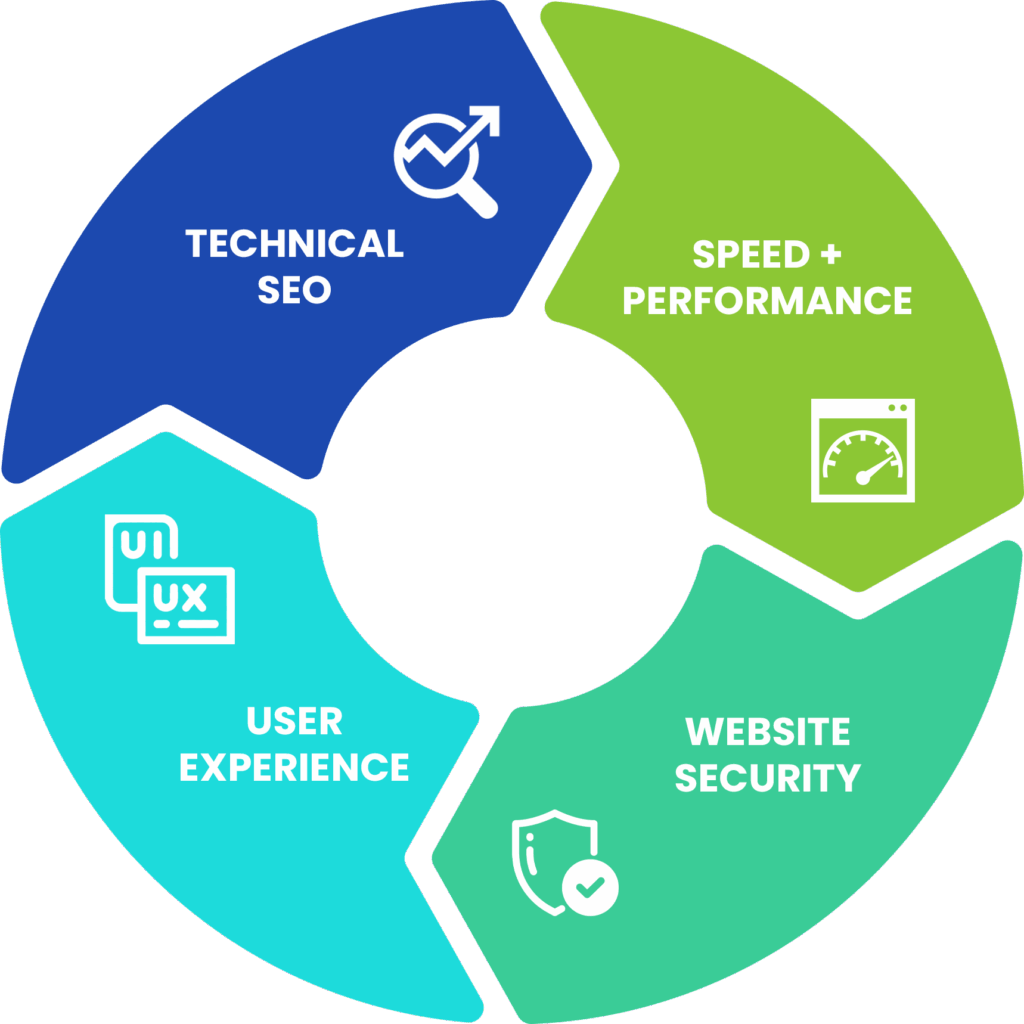
- Slow site speed dragging down page load times
- Disorganized SEO settings limiting search visibility
On their own, these issues may not feel urgent. Together, they create instability that hurts performance, search visibility, and donor trust. Once a campaign is live, addressing them all at once becomes far more difficult.
Black Dog Marketing provides monthly WordPress maintenance and routine plugin updates for nonprofits, helping prevent compatibility and security issues from surfacing during critical campaign periods.
What to Address Before Your Next Campaign Launch
 Before campaign season hits full stride, your website needs a practical checkup. Addressing key issues early can protect donor experience and save your team from last-minute stress.
Focus on these areas first:
- Run a website health audit, checking speed, security, mobile layout, broken links, and plugin errors
- Test all forms, especially donation and signup forms, across multiple devices
- Review SEO basics, including page titles, headlines, metadata, internal links, and navigation
- Update outdated or confusing content, particularly on your homepage and campaign pages
- Simplify navigation and remove old pages that distract from campaign goals
Mobile usability deserves special attention. Most donors arrive via their phones. If your donation page is difficult to use on a small screen, you’ll lose support quickly.
Building a Proactive Nonprofit WordPress Management Plan
The pressure to fix everything right before a campaign is common, but it doesn’t have to be the norm. A proactive maintenance rhythm shifts your role from reacting to leading.
Schedule regular site check-ins, monthly or quarterly, to handle updates, backups, speed tests, and form checks. Even 30 to 60 minutes every few weeks can prevent hours of cleanup later.
If you don’t have technical expertise in-house, work with someone who understands both WordPress and nonprofit realities. The right partner reduces your mental load, explains issues clearly, and aligns improvements with your campaign calendar and fundraising goals.
When you’re not constantly putting out tech fires, you gain space for strategic planning, storytelling, and performance tracking. You’re no longer guessing how your site is holding up, you know.
Black Dog Marketing supports nonprofits with proactive website monitoring, scheduled backups, and ongoing technical guidance that align website stability with campaign timelines.
A Smoother Website Supports Stronger Campaigns
Campaign success isn’t just about messaging and creative. The technology matters. A reliable, easy-to-use website quietly supports everything your team is working toward and signals credibility to donors.
Fixing WordPress issues early gives supporters a smooth experience when it matters most. Every fast-loading page, working form, and clear message reinforces trust. During the final stretch of a campaign, knowing your website is solid removes one major source of stress.
If campaign season arrives and your site isn’t cooperating, the pressure escalates quickly. We help nonprofits avoid last-minute headaches by building dependable systems that keep websites running smoothly year-round. Whether you’re preparing for year-end giving or staying ahead of routine updates, Black Dog Marketing makes it easier to stay focused on impact through reliable nonprofit WordPress management.