For many nonprofits, summer is one of the busiest seasons of the year. Programs ramp up, events fill the calendar, fundraising campaigns move into full gear, and supporters are more likely to engage from their phones while they are out in the field, at events, or between meetings.
That makes website performance more important, not less. A slow page, confusing navigation path, outdated campaign link, or broken form can quietly derail momentum at the exact moment your team needs the website to help carry the load.
For organizations using WordPress, the good news is that many performance and visibility problems can be improved with focused maintenance. You do not need to rebuild the entire site to make it more reliable. You need to tighten up the areas that most directly affect:
- Visitors
- Search engines
- Donors
- Volunteers … and
- Your internal team.
Here are six practical WordPress optimization tips nonprofits can use before summer outreach and campaign season gets into full swing.
Give Mobile Visitors a Fast, Friction-Free Experience
 During the summer months, many supporters are not sitting at a desktop computer. They may be checking your site from a phone while attending an event, signing up for a volunteer opportunity, looking up directions, or deciding whether to donate after seeing a social post or email.
If your site loads slowly or does not work well on mobile, most visitors will not troubleshoot the issue. They will leave.
- Run a quick mobile performance check before major campaigns launch.
- Compress large images before uploading them, especially banners, hero images, and event photos.
- Remove plugins you no longer use, even if they are inactive or forgotten in the background.
- Review your theme and page builder setup to identify anything outdated, bloated, or slowing down key pages.
- Test donation forms, RSVP forms, and volunteer signup pages from a mobile device, not just from a desktop browser.
Mobile speed is not just a technical metric. It affects whether people stay long enough to understand your work, sign up, give, register, or share your campaign with someone else.
A few cleanup steps now can prevent the kind of small friction points that quietly cost nonprofits engagement later.
Keep Your Website Fresh, Focused, and Easy to Navigate
Your homepage and main navigation should quickly communicate what matters right now. If summer campaign updates are buried under old announcements, unclear menus, or outdated pages, your visitors have to work harder than they should.
That is especially risky for small nonprofit teams that are already stretched. The website should reduce confusion, not add to it.
- Review your homepage and ask whether a first-time visitor can understand your current priorities within a few seconds.
- Archive, consolidate, or update pages tied to old campaigns, expired events, or outdated programs.
- Check your summer landing pages for broken links, clear donation copy, and working forms.
- Make calls to action visible and consistent across campaign, program, and blog content.
- Use plain language in menus and page titles so visitors know exactly where each link will take them.
Supporters do not need a flashy website experience. They need a clear path. They need to know what you do, why it matters, and what action they can take next.
A cleaner website structure also helps search engines understand your content. That means navigation improvements can support both user experience and long-term visibility.
Strengthen the SEO Foundations That Help Supporters Find You
 Search is often one of the first places potential supporters, volunteers, partners, and funders go when they want to learn about an issue or find an organization working in their region.
But if your WordPress site has missing page titles, duplicate meta descriptions, thin content, broken links, or weak internal linking, search engines may struggle to understand which pages matter most.
- Fix missing or duplicated meta titles and descriptions on important pages.
- Add useful image alt text, especially for photos that show program impact, events, restoration work, community engagement, or volunteers in action.
- Link related blog posts, program pages, donation pages, and volunteer pages together where it makes sense.
- Use the language your supporters actually search for, not only internal program names or acronyms.
- Review broken links and 404 errors before sending more traffic to the site through email, social, or paid campaigns.
The goal is not to stuff keywords into every page. The goal is to make your work easier to find, understand, and trust.
For example, a page titled “Summer Creek Cleanup Volunteer Opportunities in Northern California” is more useful than a vague “Get Involved” page when someone is actively searching for a way to help. Clearer content gives search engines more context and gives visitors more confidence that they are in the right place.
Keep Plugins, Security, and Backups From Becoming Campaign Risks
Most website problems do not start as emergencies. They start as small issues that go unnoticed until a campaign, event, or fundraising push sends more people to the site.
An outdated plugin, missing backup, broken form integration, or preventable security issue can become a major distraction when your team has the least amount of time to deal with it.
- Audit your WordPress plugins monthly and remove anything no longer needed.
- Confirm active plugins are compatible with your current WordPress version before major updates.
- Run a full backup before changing themes, adding new features, or updating important campaign pages.
- Add basic security protections such as login limits, firewall tools, and routine software updates.
- Test donation, RSVP, volunteer, newsletter, and contact forms before every major campaign push.
Good website maintenance does not mean your team has to do everything internally. It means there is a plan, a process, and someone responsible for catching problems before they disrupt outreach.
For a nonprofit communications director who already owns email, events, content, social media, and reporting, that kind of support can create real breathing room.
Use Small Website Wins to Build Internal Confidence
A better-performing website does more than improve the public experience. It can also help your team, leadership, and board feel more confident in digital strategy.
That matters because many nonprofit website conversations get stuck in one of two places. Either the website is ignored until something breaks, or every improvement feels too large and expensive to prioritize. Small, measurable wins can change that conversation.
- Track improvements like faster load times, fewer broken links, better mobile performance, or increased form submissions.
- Create a simple website improvement summary after each round of updates.
- Connect technical fixes to real outcomes, such as more event signups, cleaner campaign reporting, or fewer support requests.
- Use short-term progress to make a stronger case for ongoing maintenance and future improvements.
This does not need to become a complicated report. A few clear notes can help leadership see that website optimization is not just a technical expense. It is part of how your organization builds trust, supports campaigns, and protects digital momentum.
When your website feels more stable, the whole team can stop bracing for problems and start focusing on the mission.
Let Your Website Support the Work, Not Slow It Down
Summer campaigns ask a lot from nonprofit teams. Your website should be a dependable part of that work, not another source of stress.
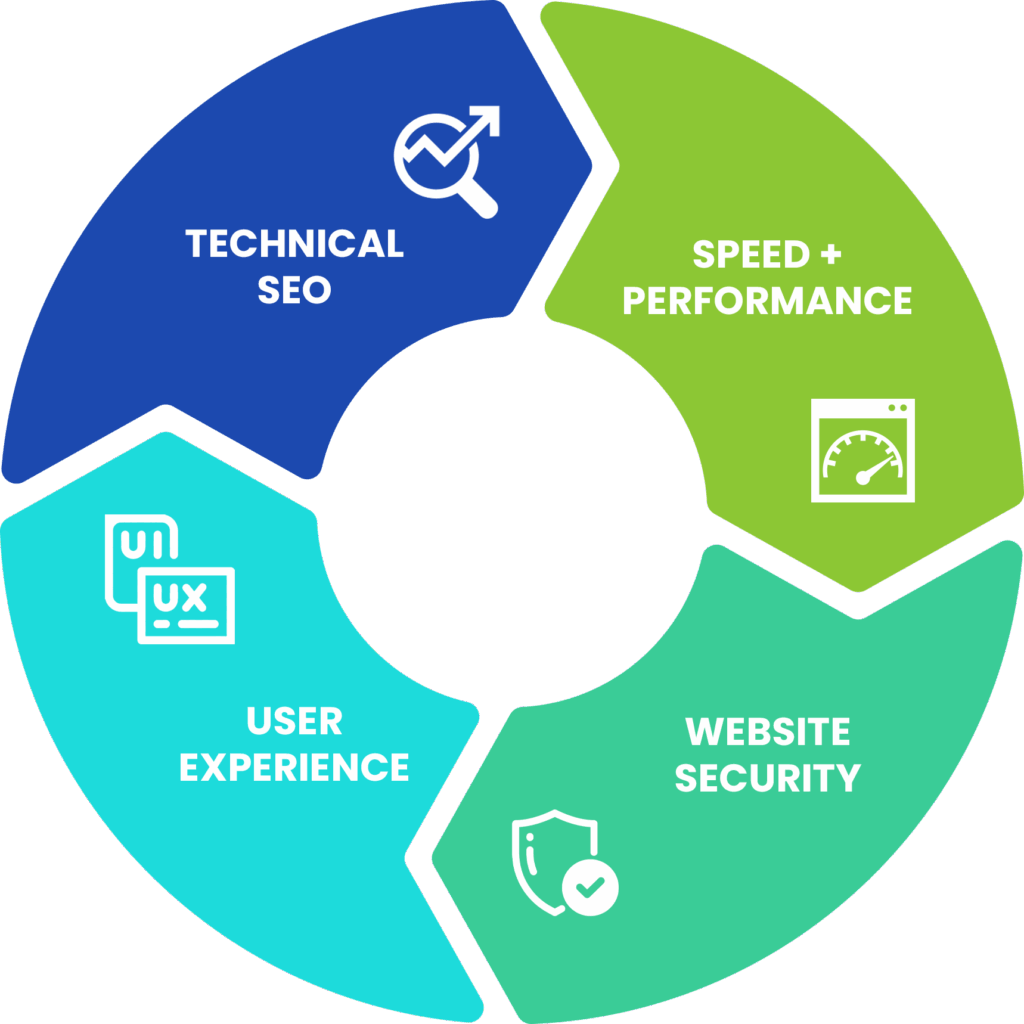
By tightening up mobile performance, navigation, SEO basics, plugins, security, backups, and reporting, your organization can head into campaign season with more confidence and fewer preventable surprises.
The goal is not perfection. It is steadiness. A website that loads quickly, guides people clearly, supports search visibility, and works when supporters are ready to act can make a meaningful difference during your busiest season.
At Black Dog Marketing, we help nonprofits and purpose-driven organizations improve WordPress performance, technical SEO, website maintenance, and ongoing support. If your site feels slow, outdated, hard to manage, or unreliable during important campaigns, a focused technical review can help you identify what is getting in the way and what to fix first.
Your team is already working hard. Your website should be working hard with you.