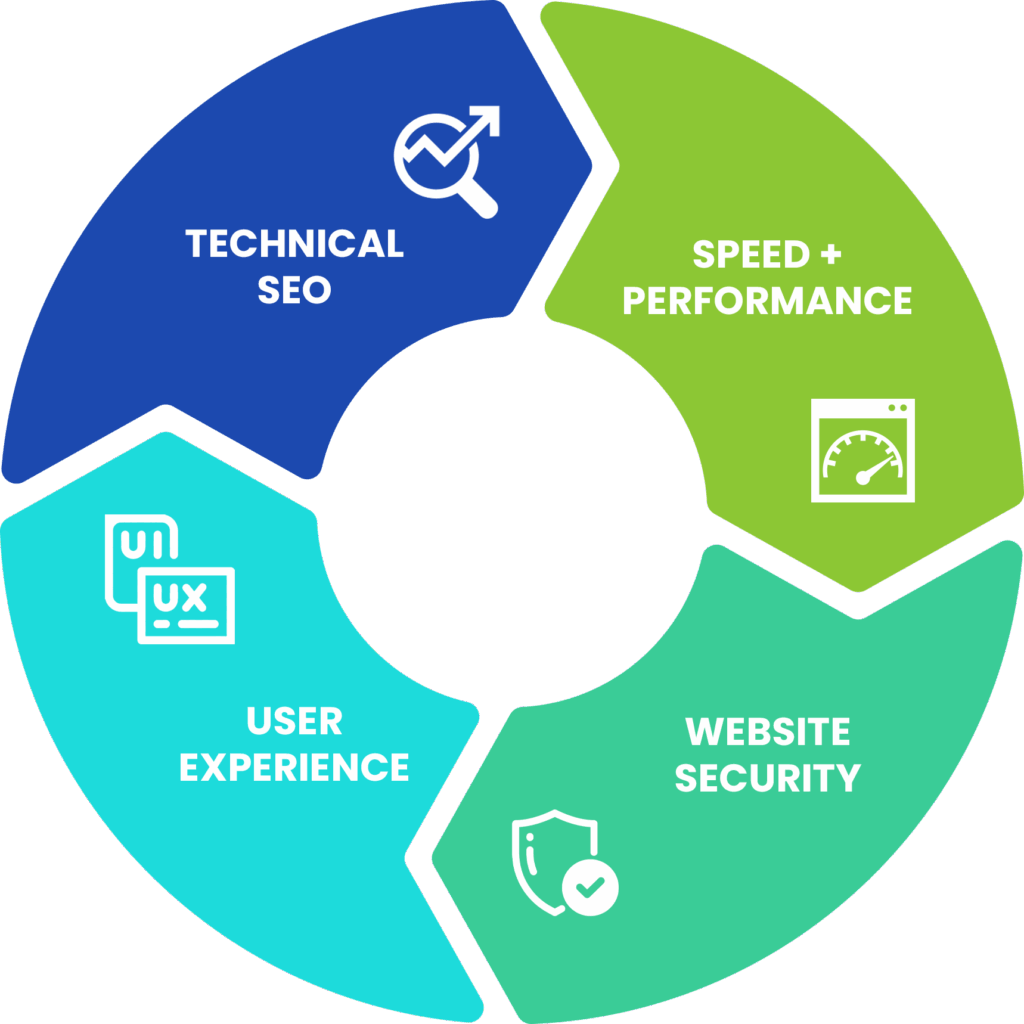
Spring campaign season often brings a surge in outreach, but without a working website, it may not go the way you hope. Many nonprofit teams pour energy into messaging, outreach calendars, and email content, only to miss the technical issues that quietly block results. Slow-loading pages, broken donation forms, and hidden indexing problems can all hurt donor trust and visibility.
Nonprofit website optimization is not about perfection. It is about removing the invisible obstacles between a visitor and the action you want them to take. Before your spring campaign launches, it is worth pausing to clean up the areas that often get overlooked. A few well-timed fixes now can make a meaningful difference in how your message lands and converts.
Run a Pre-Campaign Website Check-Up
 Before you hit send on that first campaign email, walk through your website like a first-time visitor. Many problems are not buried in the code, they are right on the surface. Start with your donation page, homepage, and any priority pages tied to the campaign, such as petitions, event signups, or volunteer interest forms.
Ask a few simple questions:
- Does the page load within a couple of seconds?
- Is the layout clean and readable on phones and tablets?
- Are the links working and buttons pointing to the right places?
Use free browser-based tools to check mobile responsiveness and load speed. Sometimes the issue is simple, like oversized image files or an outdated template causing mobile glitches. As you click through, slow or glitchy pages are clues that something may be off in the backend.
Many nonprofits leave these smaller issues for a future sprint. During spring campaign season, though, those small issues can cost engagement. Better to catch them now, while the fixes can still improve results.
Spot the Invisible Errors That Hurt Engagement
Not every problem is visible. Some of the most damaging issues happen quietly, in the backend, the code, or search settings no one has reviewed in months. These are the kinds of gaps that hurt nonprofit website optimization without giving you a clear reason why.
For example:
- A donate button may fail on mobile while looking fine on desktop.
- A homepage may be set to noindex, blocking it from search results.
- Images may have missing alt text or incorrect titles, making content less accessible and harder for search engines to understand.
- An expired certificate on an HTTPS page may trigger a browser security warning.
Outdated sitemaps or unsubmitted URLs may keep new content from getting picked up by Google. Missed plugin updates can lead to malfunctions or security gaps. Broken contact or donation forms can stop conversions entirely without anyone realizing it.
These problems usually stay hidden unless someone goes looking for them. That is why a deeper technical review matters before campaign season. Even knowing these red flags gives you a more practical starting point.
Collaborate with Your Tech Partners Without Getting Lost in Jargon
If tech is not your first language, running a website can feel like trying to explain a dream to a mechanic. The good news is you do not have to become a developer to lead well. What helps most is knowing what outcomes to ask for.
Instead of requesting a list of technical fixes, try asking questions like:
- Is anything in our Core Web Vitals slowing us down?
- Are all of our top campaign pages appearing in Google results?
- Can you confirm that all forms are working and secure?
Most web vendors and IT partners appreciate clear goals more than vague directions. When you focus on outcomes, helping people find you, trust you, and take action, you can steer the work without getting buried in jargon.
It also helps to create a regular rhythm. Monthly or quarterly check-ins on broken links, plugin updates, form testing, and backups can reduce the cleanup required when campaign season arrives.
Build a Simple Spring-Ready Maintenance Checklist
 One of the best ways to reduce tech stress is to make maintenance feel routine. It should feel more like brushing your teeth than going to the dentist. The goal is not a massive overhaul. The goal is a short list of repeatable habits.
For spring, here is a practical checklist to run through each March:
- Run backups of the full site and store them safely.
- Test all forms, including donate, contact, and event signup forms, on desktop and mobile.
- Check links on top campaign pages to make sure nothing is broken.
- Review and update plugins, especially those tied to tracking, forms, or donation platforms.
- Confirm that your homepage and campaign content can be crawled by search engines.
- Read through your donation and action pages for both clarity and working functionality.
A checklist like this also makes it easier to speak with leadership or the board about what has been completed and where support may still be needed. Over time, it builds a healthier foundation for nonprofit website optimization instead of forcing your team into reactive mode.
A Stronger Site Means Stronger Spring Results
Spring campaign prep is not just about messaging. It is also about making sure your website is ready to support the attention you are driving there. When you take time to run those checks, fix those forms, and tighten up your pages, you give your campaign a better chance to reach more people and convert more of them.
A strong website does more than stay online. It helps build trust, supports donor action, and makes your outreach work harder. That is what makes these technical fixes worth the effort.
Schedule your Visibility Report before spring campaign season ramps up and make sure your site is ready to perform when it matters most.