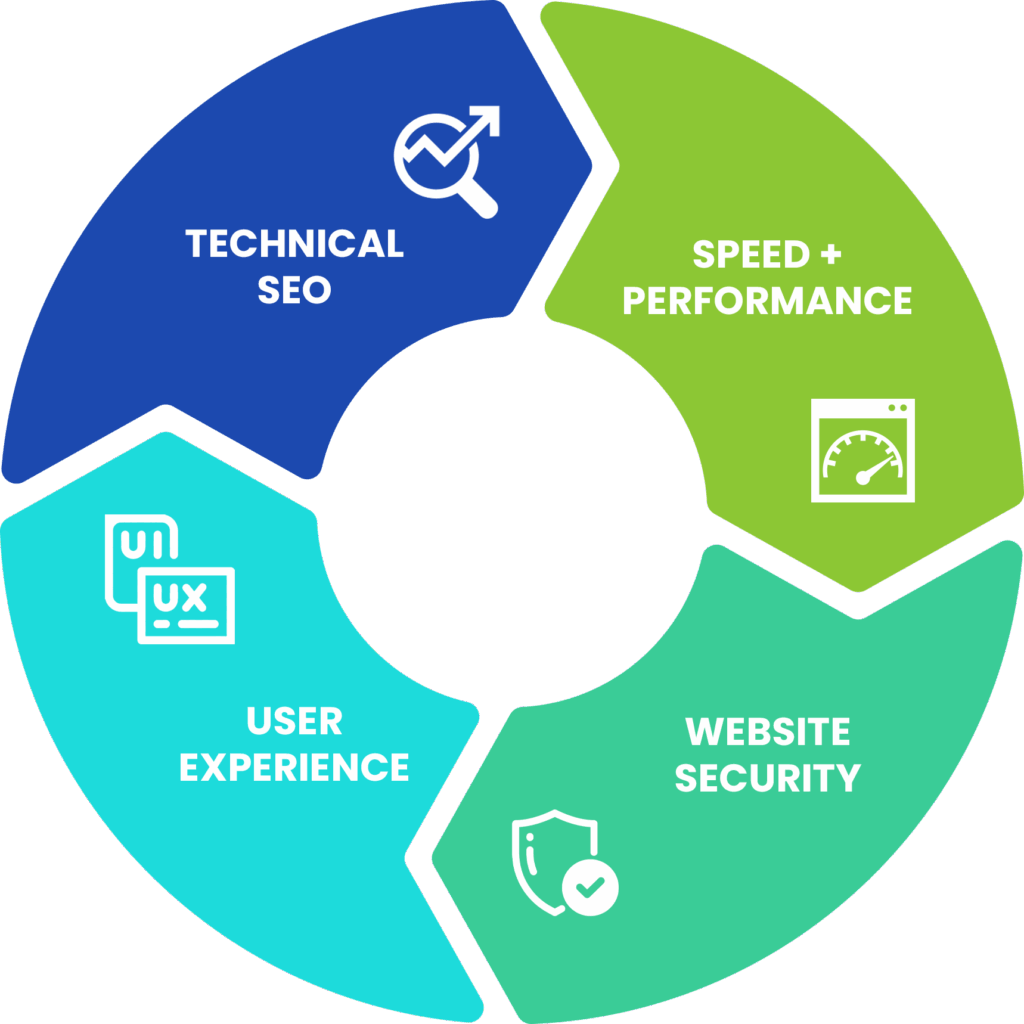
Having access to your WordPress dashboard does not mean you have a digital strategy. For teams using WordPress for nonprofits, it is easy to mistake activity in the backend for real progress. When you are juggling spring campaigns, donor communications, and event outreach, clicking around the dashboard can feel productive without actually driving results. WordPress offers flexibility, but the dashboard should be a launchpad, not the destination.
That distinction matters even more during campaign season. Every delay, broken link, or slow loading page creates ripple effects, including missed donations, frustrated visitors, and lost momentum. If your team is reacting to technical issues instead of guiding a clear outreach plan, it may be time to rethink what strategy actually looks like.
The Limits of the WordPress Dashboard
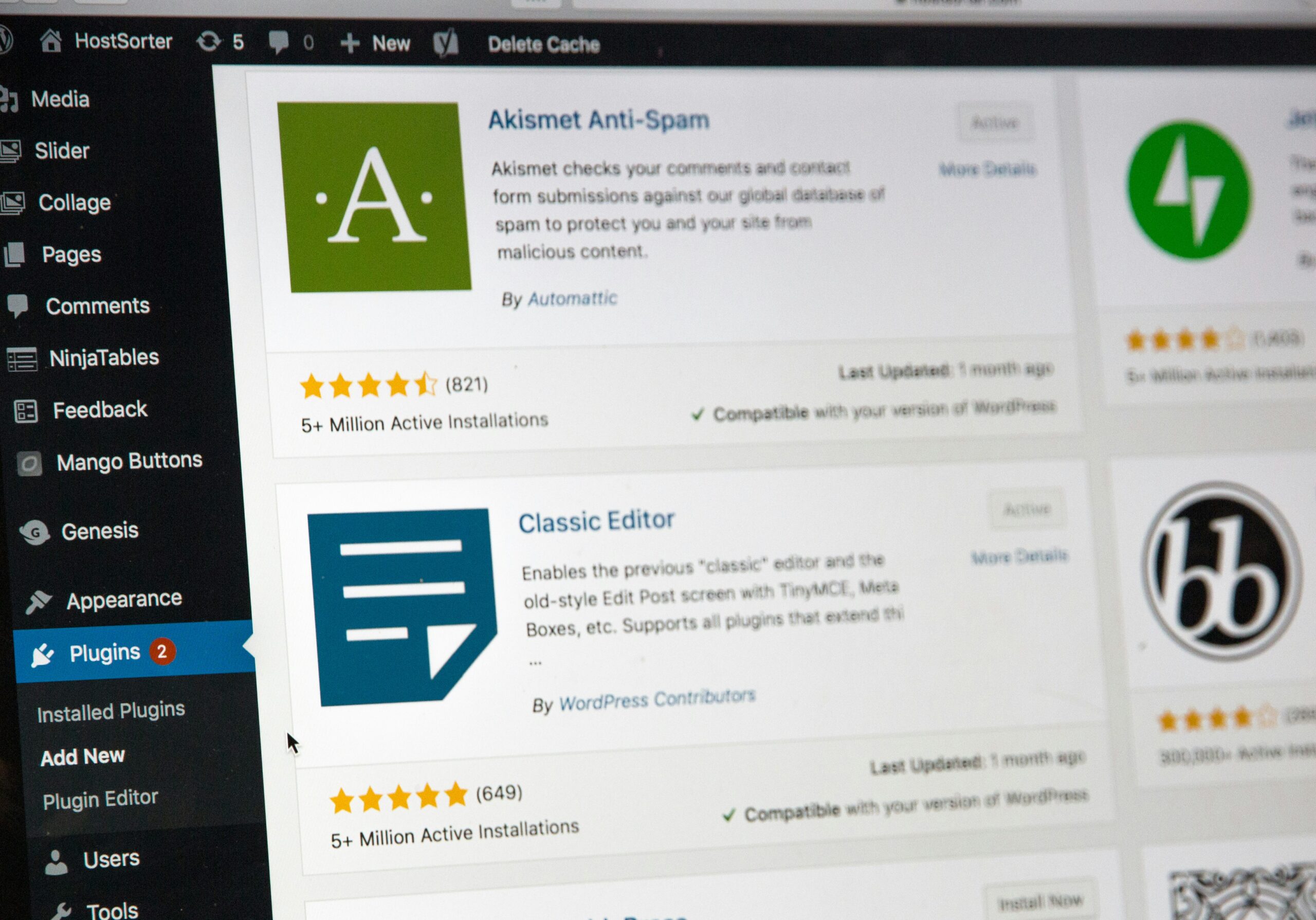 The WordPress admin panel is useful, but it is not a plan by itself. It is where updates happen, not where outcomes are defined. If your day starts with plugin settings, page edits, and quick fixes, it can feel like progress even when traffic, signups, and donations stay flat.
That is where many nonprofits get stuck. Leadership sees activity, but the site is still underperforming because the work is reactive instead of strategic.
- Productivity becomes confusing, lots of changes, no clear results.
- Priority issues go unnoticed, user experience gaps and search visibility problems stay hidden.
- Confidence takes a hit because the team is working hard, but the website cannot show it.
If you have ever thought, “We updated the site, so why is it still not working?” this is usually where the disconnect begins.
What Is Usually Missing from Nonprofit Websites
What looks fine in the dashboard is not always fine on the front end, or under the hood. Unless someone knows where to look, important issues often go unnoticed until they start affecting donors, volunteers, or event participants.
- Slow load times, especially on mobile devices.
- Broken formatting that disrupts forms or makes buttons hard to tap.
- Missing or mismatched metadata that hurts how pages appear in search results.
- Plugin conflicts or security gaps that surface at the worst possible time.
Sometimes the problem is not deeply technical. A cluttered menu, a weak call to action, or a confusing path to donate can cost just as much as a plugin issue. If someone is ready to act and your site does not help them get there quickly, that moment may be lost.
What a Real Strategy Looks Like
 A real digital strategy gives your team direction. It is not about updating pages for the sake of updating pages, it is about building your website around the people you are trying to reach and the actions you want them to take.
For nonprofits using WordPress, that usually means thinking in terms of visibility, speed, and flow. Are you showing up in search the way you need to? Does the site load fast enough to hold attention? Is it clear what a supporter should do next?
- Regular audits that catch issues before they spread.
- Search structure that matches what your audience is actually looking for.
- Clear goal paths that connect outreach to donation, signup, and volunteer actions.
- Technical maintenance that supports your campaign calendar instead of disrupting it.
That kind of clarity takes more than dashboard access. It takes a roadmap and someone who can see the full picture, not just the next plugin to install.
Why Nonprofits Get Stuck in Dashboard Mode
Most nonprofits do not stay in dashboard mode by choice. They stay there because of pressure, past bad experiences and limited internal capacity.
- Resource gaps, one person is often handling updates, emails, reports, and events at the same time.
- Burnout from poor support, disappointing vendors make bigger changes feel risky.
- Tech stress, it is hard to make decisions when you also have to explain them to leadership or the board.
That caution makes sense. What nonprofits need is not more jargon or more tools. They need a plan that does not depend on one staff member holding the entire website together by willpower alone.
Signs It Is Time to Step Back and Reset
You do not need a full website crash to know something is off. Most warning signs show up earlier and more quietly.
- Traffic is flat and email signups have stalled.
- Supporters seem confused about what you offer or where to go next.
- Every campaign launch feels like patch mode, with fingers crossed that nothing breaks.
When your team is working hard but the numbers do not reflect it, or when you hesitate to send people to your homepage, surface-level fixes are usually no longer enough.
Move from Updates to Impact
A website is more than the sum of its features. Updates matter, but impact comes from direction. When the dashboard becomes a to-do list instead of a decision tool, it is easy to lose sight of what effective digital outreach should feel like.
This is the right moment to ask a bigger question: Is your technology helping the mission move forward, or quietly holding it back? A stronger foundation improves visibility, builds trust, and gives supporters a clearer path to take the next step.
When structure, speed, and messaging work together, your website stops being one more source of stress and starts supporting the outreach your team is already working so hard to lead.