When Slow Pages Quietly Hold Back Your Mission
 A slow website rarely announces itself as an emergency. It quietly drains momentum. A supporter clicks a donation link and waits. A volunteer tries to register from a phone and abandons the form. A grant partner looks for a recent program result but never gets past a sluggish page.
As summer outreach ramps up, those small moments matter more. Campaign emails, event promotions and social posts may send more people to your website, but increased traffic only helps when the experience works once they arrive.
For nonprofit communications teams, the answer is not another stack of technical tasks. It is a clearer view of what is slowing down priority pages, what deserves attention first and which nonprofit website solutions can protect engagement without draining staff capacity.
Why Website Speed Matters for Supporter Action
A nonprofit website is often the moment when interest turns into action. It may be where a visitor gives, registers for an event, signs up for updates, applies for services or learns enough to share your work with someone else.
When that experience is slow, awkward or unreliable, the visitor is left to decide whether continuing is worth the effort. The issue is not simply whether a page loads. It is whether your website makes supporting your mission feel easy and trustworthy.
Start by looking at the pages closest to action:
- Donation and recurring giving pages
- Volunteer, advocacy or newsletter signup forms
- Event registration and campaign landing pages
- High-priority program pages linked from email or social campaigns
These pages should load quickly, display correctly on phones and help supporters understand the next step without unnecessary friction. Improving speed on a low-value archive page is useful, but improving the experience on a donate page is far more connected to mission outcomes.
How Performance Supports Search Visibility
 Website performance also matters because people cannot act on information they never discover. Google describes Core Web Vitals as metrics for real-world loading performance, responsiveness and visual stability, and recommends good Core Web Vitals for a strong search and user experience.
In practical terms, your nonprofit should pay attention to three signals:
- Largest Contentful Paint (LCP), how quickly the main page content becomes visible
- Interaction to Next Paint (INP), how quickly the page responds after a click or tap
- Cumulative Layout Shift (CLS), whether content jumps around while the page loads
A fast page alone will not create search visibility. Your content, structure, relevance and technical health all matter. But poor performance can make a good page harder to use, particularly for mobile visitors arriving through a campaign link or search result.
Google PageSpeed Insights can identify page-level issues, while the Core Web Vitals report in Google Search Console can help you monitor groups of pages using real-world performance data. Those tools give your team a starting point for prioritizing work rather than relying on guesswork.
What May Be Slowing Your Nonprofit Website Down
Nonprofit websites tend to grow in layers. Campaign pages remain live. Reports and PDFs accumulate. New donation tools, analytics scripts and event plugins get added over time. Each decision may have been reasonable when it was made, but the combined effect can create a slower and more fragile experience.
Common performance trouble spots include:
- Large hero images, galleries or embedded videos that were never optimized for mobile
- Old plugins, tracking scripts or donation widgets that add load time or conflict with each other
- PDF-heavy resource pages that are difficult to use on smaller screens
- Hosting or caching configurations that do not support campaign traffic well
- Pop-ups, third-party tools or page layouts that delay key supporter actions
The important point is not to remove every useful tool or redesign the whole website. It is to identify which issues affect high-priority pages and fix them in an order your team can sustain.
Where a Stretched-Thin Team Should Start
When your communications team is already managing newsletters, social content, campaign deadlines and reporting, a broad instruction to improve the website is not helpful. Begin with a focused, achievable review.
A practical first pass can include:
- Identify the five pages that matter most to summer outreach and supporter action
- Test each page on a phone and a desktop browser, including every form or button
- Run priority pages through PageSpeed Insights and record the largest issues
- Compress or replace oversized images and remove outdated media where appropriate
- Flag plugin, hosting, caching or code issues for technical support rather than guessing at fixes
This creates a manageable action list tied to campaign value. Your team does not need to become a development department. You need useful information, prioritized recommendations and a technical partner who can handle deeper fixes when needed.
Making the Case for Performance Improvements
Website performance is easier to fund when it is explained in mission terms. Leadership may not need a detailed conversation about scripts, caching or image formats. They do need to understand how website barriers can affect campaign outcomes and supporter trust.
When discussing performance improvements, connect the work to questions leadership already cares about:
- Can supporters complete a donation or registration easily from a mobile phone?
- Are campaign landing pages ready before traffic increases?
- Can the team measure whether changes improved engagement on priority pages?
- Are technical issues creating avoidable risk during important outreach periods?
A concise before-and-after report, supported by performance scores, screenshots and conversion data when available, makes the work easier to understand. It turns site speed from a technical complaint into a clear investment in outreach reliability.
Build a Faster Foundation for Summer Campaigns
A faster website is not about chasing a perfect score. It is about making sure people can reach your mission, trust the experience and complete the action they came to take.
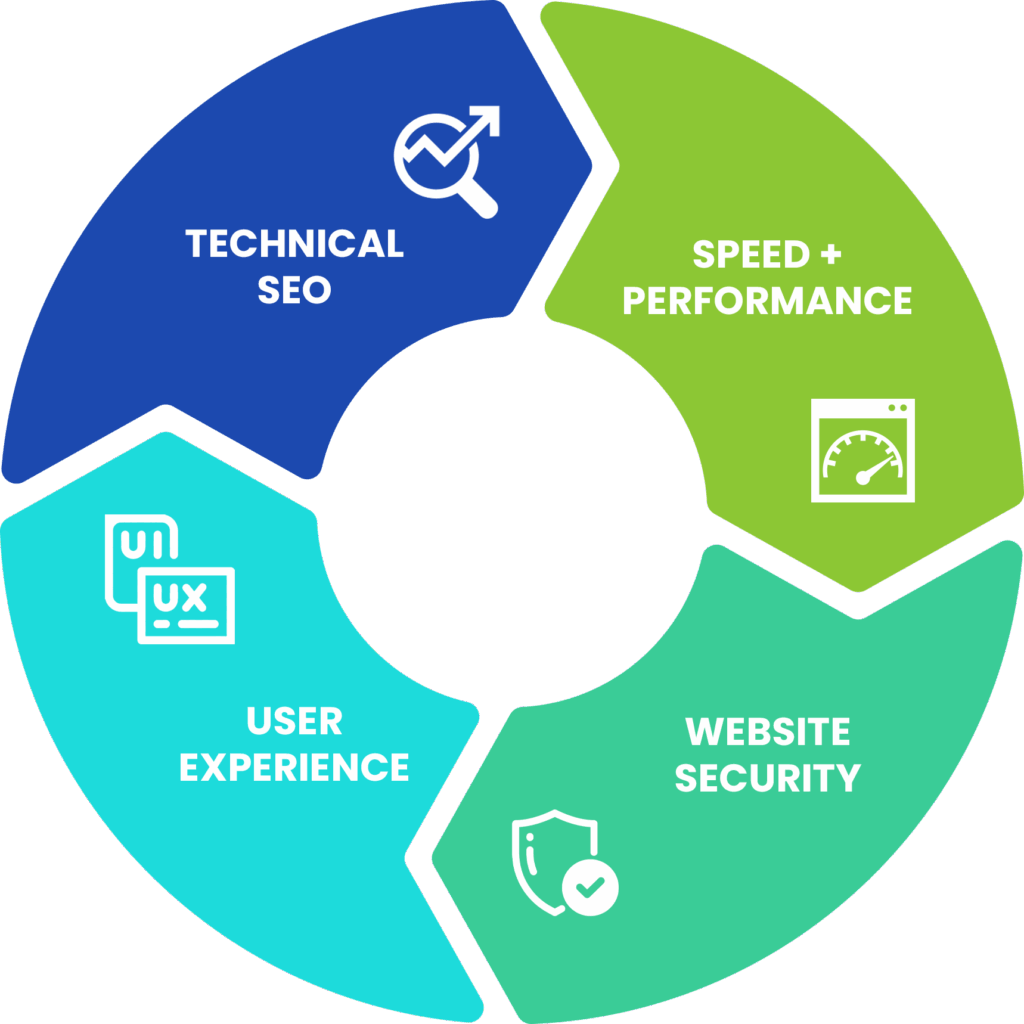
Black Dog Marketing helps environmental nonprofits identify the technical issues that quietly weaken website performance, search visibility and supporter engagement. Our approach prioritizes the pages and actions that matter most, then maps out practical improvements in speed, mobile usability, technical SEO and ongoing website care.
Before your next outreach push sends more visitors to an experience that may be slowing them down, start with a focused review. A Visibility Report can help you see what is holding priority pages back and what to address first, so your website supports the campaign work your team is already doing.